Digitalisation in retail: what a small shop really needs online
Phone questions at the till, old opening hours on Google, pick-ups by word of mouth: what helps a small shop, and why it often does not need an online shop.
Team Elevayme
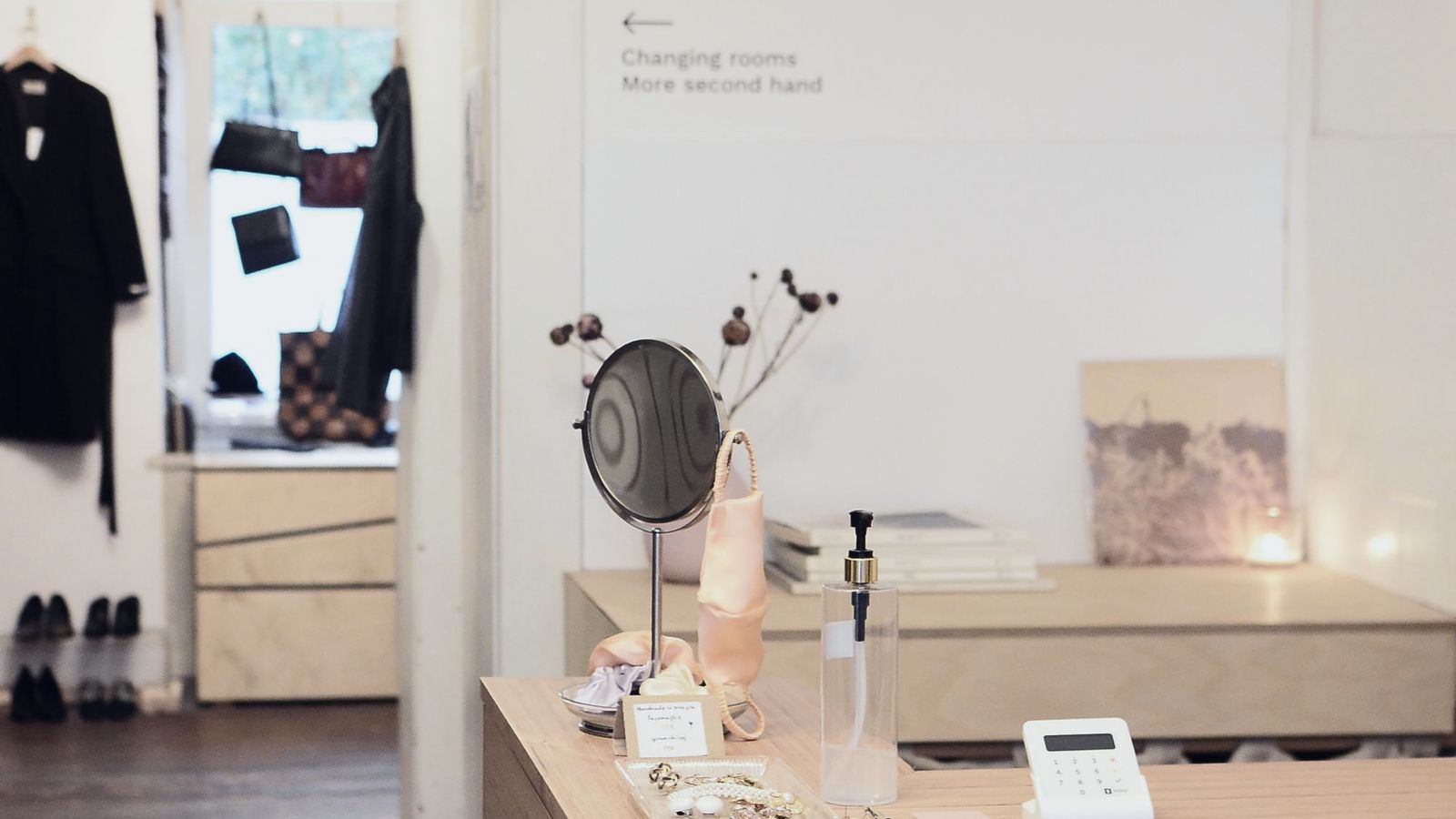
You are at the till, a customer is waiting, and the phone rings: “Have you still got that in a medium?” On WhatsApp someone wants you to put a jumper aside. On a slip of paper next to the till there are three pick-ups, one of them without a name. And anyone who does not happen to walk past can barely see online what you have in the shop.
This article is for small shops, boutiques, kiosks and specialist retailers. It shows where things typically get stuck, what to check first and which steps can help. And why you usually do not need an online shop for this.
In short
- Many calls at the till are about opening hours, availability and putting items aside.
- Check your Google profile first, especially regular and special opening hours.
- A clear website with your range, hours and directions is often enough. An online shop is not a must.
- Reservations and pick-ups need a fixed route instead of word of mouth.
- Use your till system and existing shop software first, then connect them.
Where things typically get stuck in retail
- The same questions on the phone. “How late are you open today?”, “Have you still got that in my size?”, “Can you put it aside for me?”, “Can I pick it up tomorrow?”
- Old opening hours on Google. Customers end up at a locked door and are annoyed, often on public holidays or during your holidays.
- Reservations by word of mouth. WhatsApp, slips of paper, “I'll tell my colleague”. You keep track of it all in your head.
- An invisible range. Nobody online can see what you have in the shop. Anyone who does not drop by does not know you.
What to check first
- Regular opening hours. Do they match on Google, on your website and on the door?
- Special opening hours. According to Google's help pages, you can enter separate hours for public holidays, special events and other exceptions without changing your regular hours. This works for up to six consecutive days. If you are closed for seven days or longer, you should mark the shop as temporarily closed.
- Photos. Do they show your shop as it looks today, and do they make clear what you sell?
- Products. According to Google's help pages, you can use the product editor to add items that appear in your Business Profile in Google Search. In its guidelines, Google currently lists automatic display of in-stock products from your till system only for a few countries, and Germany is not one of them.
- Existing systems. What can your till system or online shop already do, for example for reservations or pick-ups?
What often helps
A well-kept Google profile. Up-to-date hours, special hours on public holidays, real photos and the way to find you. How to check your profile point by point is in our article on the Google Business Profile.
A website that shows what you stock. Your range and focus, brands or themes, opening hours, directions and parking. Clear and easy to read on a phone. You do not need an online shop for this.
A form for reservations and pick-ups. Item, size or quantity, name, callback number and preferred day at a glance, with a confirmation of receipt. You decide whether to accept.
This is how a pick-up can arrive (example, fictitious):
| Field | Content |
|---|---|
| Item | Wool jumper, dark blue |
| Size | M |
| Pick-up | Friday afternoon |
| Callback | only if there are questions |
| Received via | Pick-up form |
A chat assistant for standard questions. Opening hours, range, parking, payment methods, based on the details you provide. It only knows whether an item is in stock if it is connected to your stock system. Otherwise it passes the question on to you.
Social media with a plan. New stock, changed hours, promotions: this can work well on Instagram or in your Google profile. What matters is a strategy that fits your day-to-day: which channel, what content, how often.
Honest limits
For tills, stock management and online shops there is ready-made industry software, and for most shops it is the right choice. A solution of your own is worthwhile at most if you need to connect systems that do not work together by themselves. An online shop brings shipping, returns, product upkeep and legal texts with it. That is a task in its own right, not a side job. If you do not want to take it on, a good website with a pick-up form is often the more honest choice.
How we can help
We first look at what you already use and build on that. We bring your Google profile and website up to date (Visibility & branding), develop a social media strategy with you and set up your presence (Social media), or build a chat assistant that answers standard questions (AI assistants). Forms, notifications and the connection to your till system are set up in the area of Automation, as far as the system allows.
We put together every offer individually based on your needs. To do that, we first need to understand what you need. We clarify this in the free initial consultation. We will get back to you promptly, in the way you prefer: by email or by phone.
Sources & further reading
- Google Unternehmensprofil-Hilfe: Spezielle Öffnungszeiten festlegen support.google.com
- Google Unternehmensprofil-Hilfe: Produkteditor support.google.com
- Google: Richtlinien für die Präsentation Ihres Unternehmens auf Google support.google.com