Digitalisation in hospitality: bookings, Google and the phone
The phone during a full service, old hours on Google, party requests without guest numbers: what helps restaurants, cafés and bars, and when ready-made software is enough.
Team Elevayme
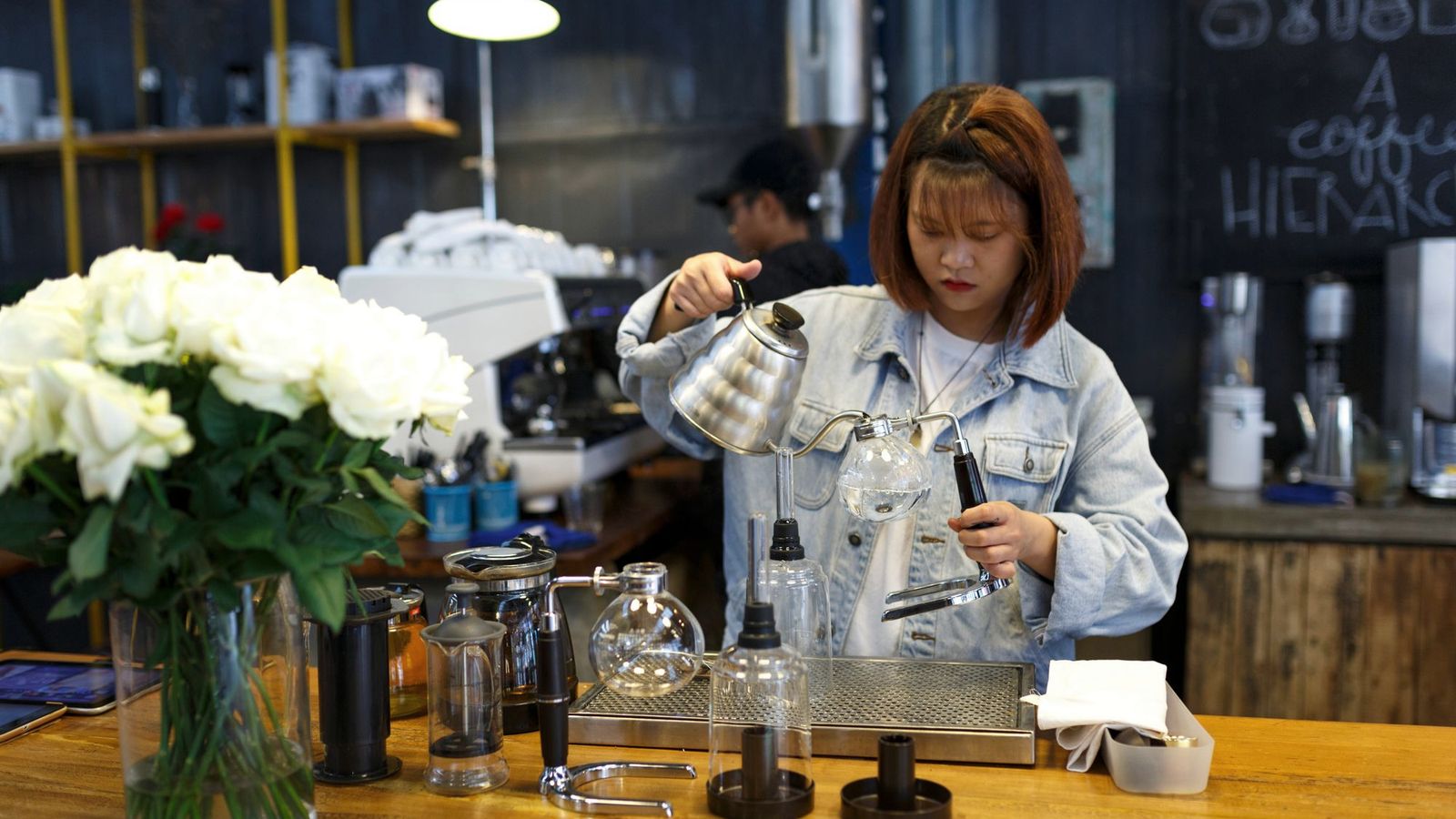
The place is full, four tables are waiting to order, and the phone rings. Someone wants a table for four tonight, someone else asks whether their dog can come in. On Instagram there is a booking request, on WhatsApp one for a birthday party, with no date. You keep track of it all in your head. And after service the messages are still there.
This article is for restaurants, cafés and bars. It shows where things typically get stuck, what to check first and which steps can help. One thing up front: for a lot of what hospitality needs, there is good ready-made software. Often it is smarter to use it properly than to build something new.
In short
- Most calls during service are about bookings, opening hours and the same questions over and over.
- Check your Google profile first: opening hours, public holidays, menu, how to book.
- One fixed booking route matters more than lots of channels. If you already use a system, point every route to it.
- For parties, a short form with all the details helps.
- Assistants and custom software only when simple steps are not enough.
Where things typically get stuck in hospitality
- Bookings on every channel. Phone, Instagram, WhatsApp, email. Nothing ends up in one place, and double bookings are only a matter of time.
- Outdated details on Google. Old opening hours, an old menu. Guests end up at a locked door and are annoyed.
- Incomplete requests. Parties with no date, no number of guests, no wishes.
- The same questions every time. “Have you still got a table tonight?”, “Do you have vegan dishes?”, “Is there parking?”, “Can my dog come in?”
- Reviews pile up because there is no time for them in daily business.
What to check first
For many guests, the Google Business Profile is the first point of contact. According to Google's help pages, as a restaurant you can manage opening hours, menu, photos and attributes there, reply to reviews and manage bookings and waitlists, among other things. Go through these points:
- Regular opening hours. Are they still correct today?
- Special opening hours. According to Google's help pages, you can enter separate hours for public holidays, events and other exceptions without changing your regular hours. You should confirm public holidays even if you are open as usual.
- More hours. You can enter different hours for takeaway or delivery.
- Menu. According to Google's help pages, you can upload it as a photo or PDF. Guests can also add photos of your menu. So check whether an old menu is still showing.
- Booking. Is it clear to guests how they can book? And does that route lead to the system you actually use?
- Questions on your website. Are the answers on vegan options, parking, dogs and accessibility somewhere people can find them?
What often helps
One fixed route for bookings. Clearly visible on your website and Google profile. If you already use a booking system, link to it there. On Instagram and WhatsApp, a short note with a link to that route can be enough.
A form for parties. Occasion, date, time, number of guests, wishes. With a confirmation of receipt, and you decide whether to accept. Tips on how to build it are in the article on the enquiry form.
This is how a complete request can arrive (example, fictitious):
| Field | Content |
|---|---|
| Occasion | Birthday party |
| Date | Saturday, 7 pm |
| Guests | 14 |
| Wish | vegetarian dishes |
| Received via | Enquiry form |
Answers in one place. Menu, hours, parking, dogs: set out properly once on your website and Google profile. A chat assistant on your website can build on this, answering standard questions and passing on whatever it does not know.
A phone assistant, if many calls go unanswered during service. It can answer simple questions and take down requests. On the phone, though, there are separate rules, such as telling callers that an AI is speaking. What to clarify beforehand is in the article on the AI phone assistant.
Social media with a plan. Not every business needs Instagram. For some, a good Google profile matters more. If social media suits you, a clear strategy helps: which channel, what content, how often, and who publishes.
Honest limits
For bookings, tills, ordering at the table and delivery, there is established industry software. If it suits your business, it is usually the better choice than building your own. A solution of your own, such as ordering via QR code, is more worthwhile if ready-made products cannot map your processes or several systems need to be connected. And an assistant does not replace staff on the floor. It can help make sure fewer routine questions get in the way.
How we can help
We first look at what you already use, and we would rather connect than replace everything. We bring your website and Google profile up to date (Visibility & branding), develop a social media strategy with you and set up your presence (Social media), or build a chat assistant for your website (AI assistants). If ready-made software does not fit, we develop a solution of your own, for example for ordering or booking (Custom software).
We put together every offer individually based on your needs. To do that, we first need to understand what you need. We clarify this in the free initial consultation. We will get back to you promptly, in the way you prefer: by email or by phone.
Sources & further reading
- Google Unternehmensprofil-Hilfe: Mit einem Unternehmensprofil für Ihr Restaurant loslegen support.google.com
- Google Unternehmensprofil-Hilfe: Spezielle Öffnungszeiten festlegen support.google.com
- Google Unternehmensprofil-Hilfe: Der Menüeditor support.google.com