Digital site diary and time sheets: what works on the construction site
What a digital site diary and time sheet should capture, how it works offline, who approves entries and what data protection means for employee data.
Team Elevayme
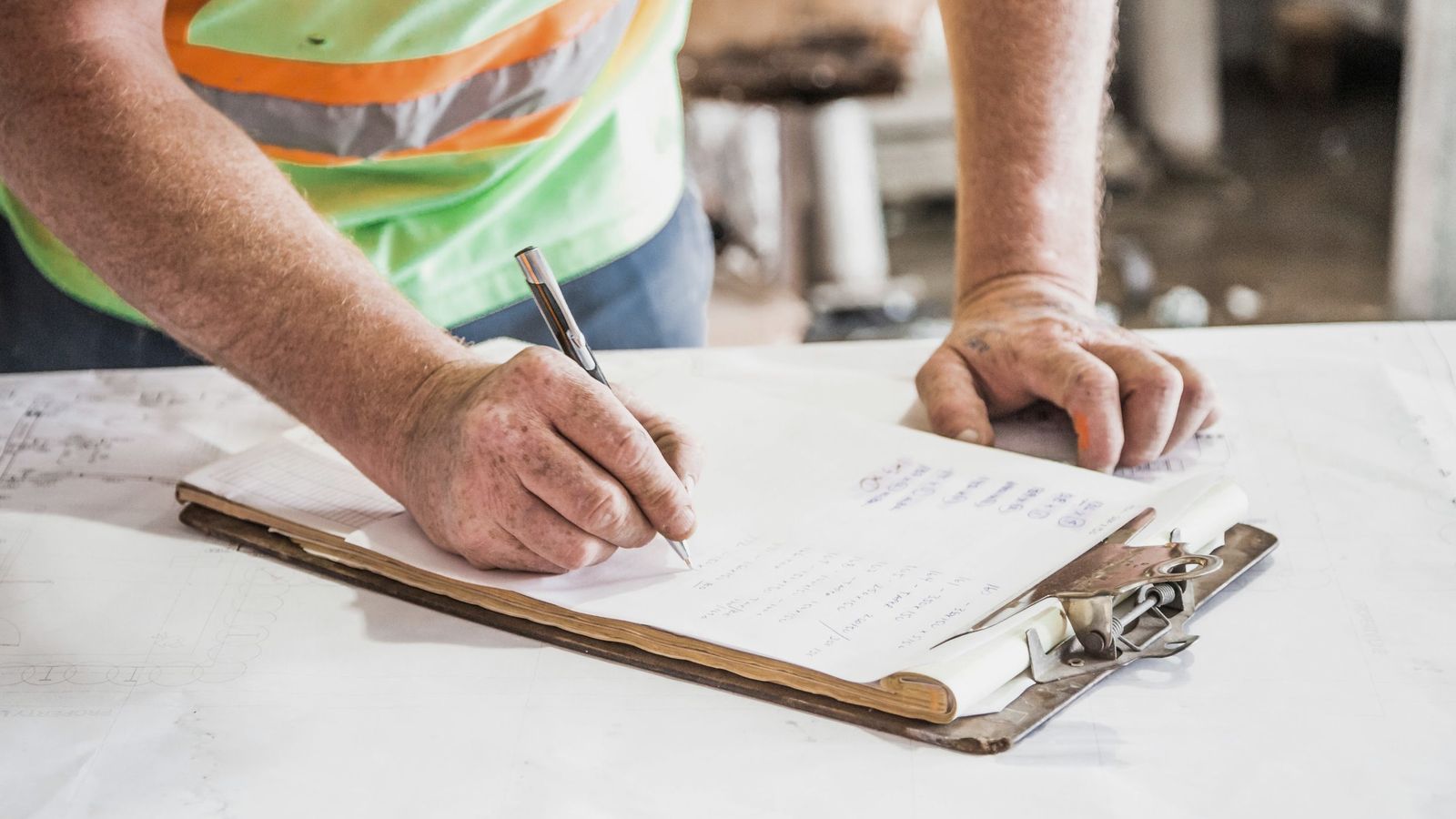
Friday afternoon in the office: on the desk are time sheets from three crews. One has a coffee ring, one is almost unreadable, one is missing. In the site diary (Bautagebuch, the daily record of a construction site), Tuesday just says "same as Monday". The client asks why the invoice shows more hours than agreed. And you are looking for the photo that proves the trench had to stay open on Wednesday because of rain.
This article is for construction companies, civil engineering and road building firms (Tiefbau and Straßenbau), engineering offices and subcontractors who keep their site diary and time sheets on paper or in Excel today. It covers what a digital process should capture, how it works without a mobile signal, who approves entries and how the data gets into invoicing without anyone typing it up in the evening. It also covers what data protection means for your employees' data.
In short
- Process first, then the app: decide which details are recorded every day, who checks them and where they go.
- Offline is a must: many sites have no signal. Entries must be saved without a connection and transferred later.
- A person approves: site management or the office checks hours and entries before they go into an invoice or payroll.
- No double typing: the data lands in the invoicing or payroll software you already use, for example as an export or via Microsoft 365.
- Hours are personal data: record only what you need, and involve the works council early if there is one.
Paper and Excel: where things often go wrong
Paper isn't bad. A time sheet needs no battery, and everyone understands it. The problem comes afterwards: sheets get lost, are only handed in at the end of the month or are hard to read. In the office, someone types everything into Excel or the payroll program. Typing errors creep in, and questions to the crew take time because after a week nobody remembers exactly.
The site diary is similar. Weather, obstructions, instructions from the client: this matters when there is a dispute about deadlines or additional work. If all it says is "same as yesterday" and the photos are spread across three phones, that doesn't help much.
If your paper process works, everything is handed in on time and the office doesn't type things up in the evening, you don't need an app. A fixed template, a fixed hand-in day and a photo of the sheet as a backup are enough.
What a digital site diary and time sheet should capture
Fewer fields are more likely to be filled in. A suggestion:
| Detail | Site diary | Time sheet | Note |
|---|---|---|---|
| Date and site | yes | yes | Choose the site from a list, don't type it freely. |
| Crew and people | yes | yes | Who was there, including subcontractors. |
| Start, end, breaks | no | yes | This gives you the duration. |
| Weather | yes | no | Briefly: dry, rain, frost, wind. |
| Work performed | yes | yes | What was done, if possible with quantity or bill item. |
| Equipment and material | yes | optional | If you bill for it or have to prove it. |
| Obstructions, instructions | yes | no | Who instructed what and when. |
| Photos | yes | no | With date, without people as the main subject. |
| Confirmation by the client | if agreed | if agreed | For example a signature on the tablet. |
Whether and in what form your client requires a site diary or countersigned time sheets is stated in your contract. Check there before you define the fields.
The sites and bill items should come from a list maintained by the office. Then the same site doesn't have three different names, and assigning entries to the invoice works later.
Offline on the site
In civil engineering, in a tunnel or far out on a railway track construction site (Gleisbau), there is often no signal. An app that doesn't save entries then will soon be deleted from the phones on site. Test this before choosing one:
- Airplane mode on, create an entry with a photo, close the app, restart the phone. Is the entry still there?
- Airplane mode off. Is everything transferred without anyone having to do anything?
- Two devices, one day: what happens if two people edit the same day offline? The app should show this, not silently overwrite it.
- With gloves and in the sun: are the buttons big enough, is the screen readable?
If your existing construction or trade software offers an app for hours and the site diary, start there. Then the data already lands in the right place.
Checking and approving: a person decides
Digital doesn't mean entries go into the invoice or payroll unchecked. A fixed process helps:
- The crew records on the same day, ideally before finishing work.
- Site management checks daily or weekly: are hours, work and site correct?
- Corrections stay visible. Whoever changes something does so with their name and a reason, instead of deleting the old value.
- Approval by a named person. Only then does the data move on.
- Confirmation by the client where agreed, for example for work paid by the hour.
This way you keep the same control as with paper, and the records are in one place.
Into invoicing without retyping
A lot of work often happens not on the site but in the office: when hours and work performed are entered a second time. There are usually simple ways around this:
- The app belongs to your invoicing or construction software. Then the office takes approved hours straight into the invoice or payroll.
- Export as a file that your invoicing software can import. Check beforehand which format it accepts.
- Microsoft 365: if you already use it, entries can land in a shared list or table, for example, from which the office continues after approval.
The data flows in one direction only, and only approved entries move on. On invoicing questions, such as e-invoicing, this article gives no tax advice. You'll find an overview in the article E-invoicing for small businesses.
Data protection and co-determination for employee data
Note: This section gives an overview and is not legal or tax advice. As of: November 2026.
Time sheets contain personal data of your employees. A few points you should know:
Recording working time is not an optional extra. According to the German Federal Labour Court (Bundesarbeitsgericht, BAG, decision of 13.09.2022, 1 ABR 22/21), employers are obliged under § 3 Abs. 2 Nr. 1 of the German Occupational Health and Safety Act (Arbeitsschutzgesetz) to record the start and end of daily working time, and thus its duration including overtime. According to the BAG, this does not have to be electronic in every case; depending on the activity and the business, paper records can be sufficient. The recording itself may be delegated to the employees. In addition, § 16 Abs. 2 of the Working Hours Act (Arbeitszeitgesetz) requires working time beyond the daily working time under § 3 Satz 1 to be recorded and these records to be kept for at least two years.
Legal basis for employee data. Art. 88 GDPR (DSGVO in German) allows member states to set more specific rules for data in the employment context. In Germany, this is § 26 of the Federal Data Protection Act (BDSG). Under it, employee data may be processed, among other things, if this "is necessary" for carrying out the employment relationship. Which legal basis applies in your case is something to clarify with your data protection adviser.
Record only what you need. For the time sheet you need start, end, breaks and site. You usually don't need continuous location tracking for that. If an app offers GPS or movement data, switch it off as long as you have no clear purpose for it.
Works council, where there is one. According to § 87 Abs. 1 Nr. 6 of the Works Constitution Act (BetrVG), the works council (Betriebsrat) has a right of co-determination in the "introduction and use of technical devices designed to monitor the behaviour or performance of employees". An app for hours, photos and work performed can fall under this. Talk to the works council before you commit. Even without a works council, you should explain to your people what is recorded, who sees it and how long it is stored.
Who sees what? The crew sees its own hours, site management its sites, the office the invoicing. Not everyone needs to see everything.
Introducing it with the crew: step by step
The best app is useless if nobody on site uses it. This makes the switch more likely to work:
- Start with one crew that is keen on it. Not with everyone at once.
- Paper in parallel for two to four weeks. Then compare: is anything missing, is everything correct?
- Short briefing on site, on people's own phones, not in the office at a screen.
- A fixed time for the entry, for example the last ten minutes before finishing work.
- Collect questions and adjust the fields. Whatever nobody fills in gets removed.
- Then the next crew. Those already on board show the others.
Expect a bumpy start. People need to notice that the entry is less work than the paper sheet. Otherwise it won't be used.
Checklist before you start
- Fields for site diary and time sheet defined, no more than necessary.
- Sites and bill items maintained by the office as a list.
- Offline test in airplane mode passed, including photos.
- Approval settled: who checks, when, and what happens next.
- Route into invoicing or payroll software tested, without retyping.
- Data protection clarified: which data, who sees it, how long it is stored, GPS off.
- Works council involved, if there is one. Employees informed.
- One crew chosen for the trial run.
How we can help
We look at your process with you: what is noted on site today, what does the office type up, and where does it get stuck? Often your existing construction or invoicing software can do more than is being used. Then we'll tell you. If something is missing, in the area of Automation we connect recording on site with your invoicing, for example via Microsoft 365, or build a simple app that fits your processes. We support you with data protection, but we do not replace legal advice. You'll find more about typical processes on the page Construction & infrastructure. How enquiries arrive complete from the start is covered in the article Enquiry form.
In the free initial consultation we look together at which simple step helps you first. We'll get back to you promptly, the way you prefer: by email or by phone.
Sources & further reading
- Bundesarbeitsgericht: Beschluss vom 13.09.2022, 1 ABR 22/21 (Arbeitszeiterfassung) bundesarbeitsgericht.de
- § 16 ArbZG: Aushang und Arbeitszeitnachweise (Gesetze im Internet) gesetze-im-internet.de
- § 87 BetrVG: Mitbestimmungsrechte (Gesetze im Internet) gesetze-im-internet.de
- § 26 BDSG: Datenverarbeitung für Zwecke des Beschäftigungsverhältnisses (Gesetze im Internet) gesetze-im-internet.de
- Datenschutz-Grundverordnung (EU) 2016/679, Art. 88 (EUR-Lex) eur-lex.europa.eu